
TelegramEnglish Download Hub

Security overview

Telegram encryption and privacy overview

A plain-English tour of Telegram's protection layers — MTProto 2.0 transport, encrypted cloud storage, secret chats, two-step verification and per-device passcodes. If you install one thing from this page, make it a cloud password.

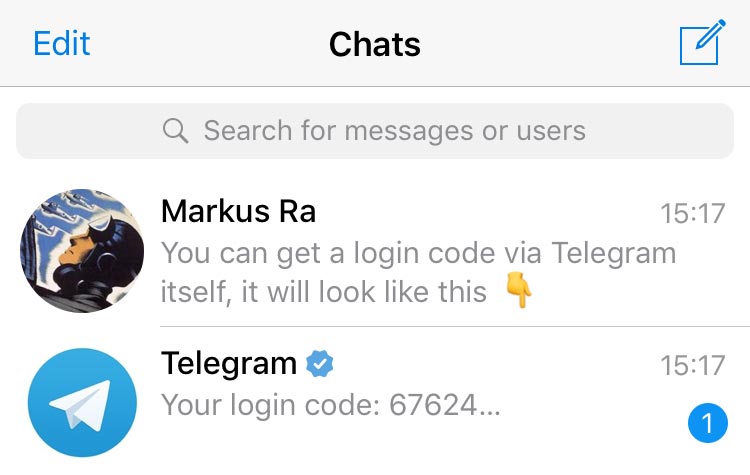
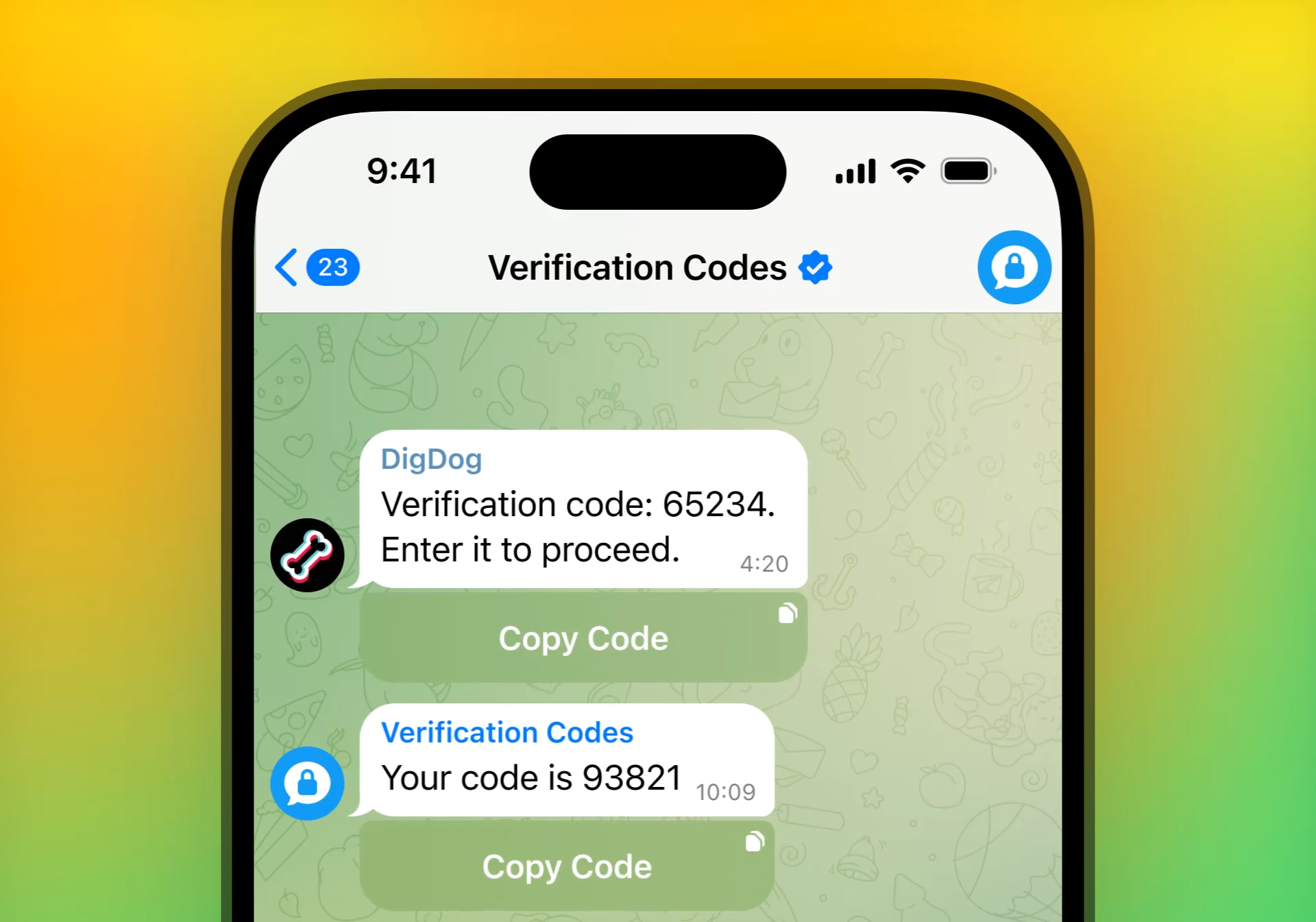
Telegram security verification codes shown side by side

Four layers of protection

How Telegram protects your messages, from wire to device

Rather than one giant claim, Telegram uses four distinct layers. Each covers a specific threat model. Here is what they do — and what they do not.

Telegram MTProto 2.0 encryption diagram

MTProto 2.0 transport

Every cloud message is wrapped in Telegram's proprietary MTProto 2.0 protocol with perfect forward secrecy between your client and the closest data-centre.

  • AES-256 in IGE mode plus RSA-2048
  • Perfect forward secrecy per session key
  • Public specification and open-source clients
Telegram encrypted cloud storage illustration

Cloud storage

Cloud chats rest encrypted inside Telegram's server infrastructure. Encryption keys are split across data-centres in different jurisdictions to make coercion impractical.

  • Chats are encrypted at rest
  • Keys split across independent jurisdictions
  • Data export and full account deletion available at any time
Telegram secret chat with lock icon and timer

Secret chats

Secret chats layer true end-to-end encryption on top of MTProto. They only exist on the two devices that started them and can self-destruct after a configurable timer.

  • Device-to-device end-to-end encryption
  • Self-destruct timer from one second to one week
  • Screenshot notifications on iOS and Android
Telegram two-step verification prompt with recovery email

Two-step verification

Add a cloud password on top of your login code so a stolen SIM card is not enough to hijack your account. A recovery email lets you regain access if you forget the password.

  • Cloud password required after SMS or login code
  • Optional recovery email tied to the password
  • Hint field for password reminders

Five-minute hardening

Turn every safety switch on in five short steps

These are the exact settings we walk every new user through. Follow them once per device and you cover the vast majority of realistic attacks — SIM swap, credential leaks and lost devices.

  1. Step 1. Turn on two-step verification

    Settings → Privacy and Security → Two-Step Verification. Pick a strong cloud password and add a recovery email in case you forget it.

  2. Step 2. Enable a passcode & biometrics

    Settings → Privacy and Security → Passcode & Face ID / Fingerprint. Choose an auto-lock timer that matches your risk profile — one minute is a good default.

  3. Step 3. Review active sessions

    Settings → Devices. Terminate old browser sessions, name each active session and enable a session timeout so old logins expire automatically.

  4. Step 4. Tune privacy defaults

    Settings → Privacy and Security. Restrict who can see your phone number, last-seen timestamp, forwarded messages source, invite you to groups and call you.

  5. Step 5. Enable auto-delete on sensitive chats

    Long-press a chat → Clear History → Enable Auto-Delete. Pick 24 hours, 7 days or 1 month. Perfect for one-off financial or medical conversations.

Telegram security hardening checklist illustration

Privacy controls

Fine-grained control over who sees what

Telegram exposes granular privacy settings for every piece of identifying data. Here are the four we tweak most often — each has per-contact exceptions so you keep your closest people close.

Telegram phone number visibility setting

Phone number visibility

Hide your phone number from strangers, contacts or both. Sign-in codes still work through your existing contacts and your @username.

Telegram last-seen privacy control

Last-seen & profile photo

Show last-seen only to contacts, everyone, or nobody. Use custom exceptions to whitelist your closest people even when you go global-private.

Telegram forward attribution privacy setting

Forwarding attribution

Prevent messages you send from being forwarded with your name attached — the recipient can share the text but never link it back to your profile.

Telegram sensitive content filter setting

Sensitive content filter

Toggle NSFW content on public channels or leave it filtered by default. Independent from personal chats and communities you have already joined.

The six-line security checklist

Print or screenshot this list. If every line is ticked on every device, your Telegram account is meaningfully harder to hijack than the average social profile.

  • Long, unique cloud password stored in a password manager
  • Recovery email that is not tied to your phone number
  • Old browser sessions terminated after every trip
  • Passcode plus biometric lock on both phone and laptop
  • Contacts sync disabled if you want to stay anonymous
  • Auto-delete enabled on chats about finances or medical topics